openEuler 用 go 显示图片

Displaying Images with Go on openEuler

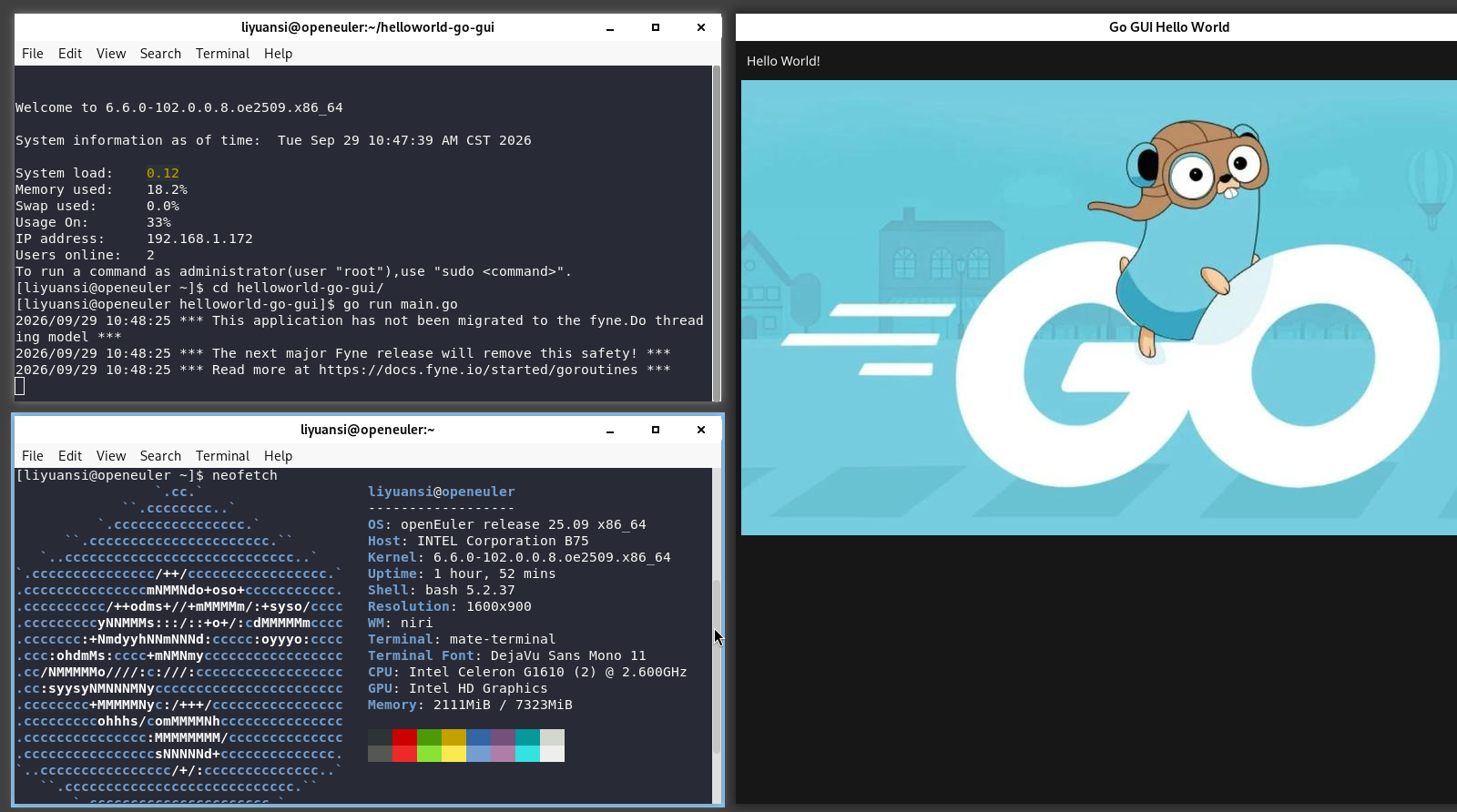
Clone the project
git clone https://gitcode.com/liyuansi2222/helloworld-go-gui.git
cd helloworld-go-gui/
Run
go run main.go
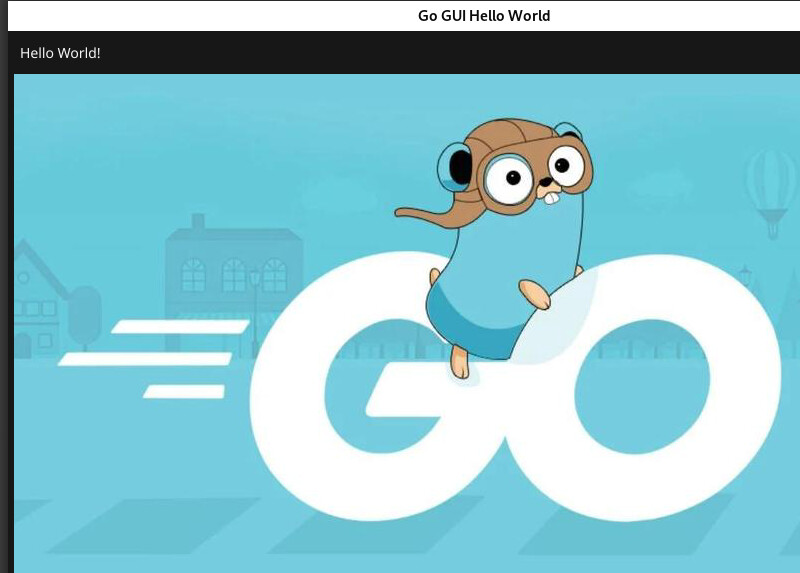
The result appears

openEuler 运行 go语言 helloworld-CSDN博客

Here’s how the program comes about, step by step:
Step 1: Install Go.
sudo dnf install go
Step 2: Create a directory, navigate into it, and initialize Go.
cd helloworld-go-gui/
go mod init helloworld # Initialize the project
Step 3: Import the Fyne GUI toolkit.
export GOPROXY=https://goproxy.cn,direct
go get fyne.io/fyne/v2
This is our main.go:
image := canvas.NewImageFromFile(“go-logo.jpeg”)
content := container.NewVBox(label, image)
The first line loads the image, the second displays it. The image file should be in the project’s root directory.
Step 4: Run the program.
go run main.go

Thanks for continuing to share! I’ve also checked the linked blog post and was able to see that you successfully ran a window on niri under openEuler 25.09, x86_64. You’ve already provided both the source code and the results—great work! To make it even more useful for others to reproduce, I’d recommend adding a few more details.

First, please include the system version, Go version, and the steps for installing dependencies before running. The packages shown in your blog’s screenshot—such as mesa-libGL-devel and libXxf86vm-devel—are likely needed to fulfill the graphics compilation dependencies for Fyne/GLFW. Since go run compiles and runs in one step, having just Go installed may not be enough. Please share the actual commands used to install dependencies. If you added packages incrementally based on compilation errors, consider briefly noting the error messages and how they were resolved—there’s no need to list every single indirect dependency.

Second, consider distinguishing between two paths: “cloning an existing project” vs. “creating a project from scratch.” Your repository already includes a go.mod, so there’s no need to run go mod init after cloning. Separating these workflows will help readers clearly identify where they should begin.

On formatting: while the forum supports rich text, I still recommend using Markdown. Wrap commands and code snippets in code blocks with appropriate language identifiers like bash or go to preserve indentation, line breaks, and syntax highlighting. In the current post, some straight quotation marks have been converted to curly ones, which can cause issues if copied directly—this should be fixed. If you copy from editors like VS Code, use “Paste as plain text” to avoid unwanted formatting and double-check the preview before submitting.

Screenshots are great for showing final results, but key steps should also be described in text. The article will be read not only by users but also potentially parsed by AI agents or search tools, which typically cannot interpret images or follow external links. Clearly documenting the environment, prerequisites, and exact commands helps both human readers and automated systems.

It’s perfectly fine to cross-post between your blog and the forum and keep the original link, but the forum post should stand alone as a valuable reference. The two versions don’t need to be identical—but if you later update commands, dependencies, or conclusions, please update both or note the discrepancies and outdated parts. If you leave only incomplete or outdated content on the forum and require readers to jump to the blog for working information, the post may be flagged as a referral-only thread and moderated accordingly. This reminder is meant to encourage sharing that stays within the community, so it can be referenced, discussed, and improved over time.

Finally, consider adding the Sharing: Experience tag to this post. I previously compiled a thread at 做通之后,怎样写成一篇别人能用的教程 discussing how to extract actionable information from experimental notes—worth a read. Sharing doesn’t need to be a long tutorial, but when it clearly describes the environment and steps, provides copy-pasteable code, and gets updated when issues arise, it becomes truly valuable.