It took me a considerable amount of time, but I finally figured out how to build an image on EulerMaker. Here’s the download link:
- EulerMaker: openEuler-Desktop-24.03-SP3-x86_64-Update-unofficial-20260916-dvd.iso
- Baidu Netdisk: openEuler-Desktop-24.03-SP3-x86_64-Update-unofficial-20260916-dvd.iso
- SHA256: b9f431bccbec1dc244aaa43b23dd04758ca55b99926d327d51c79c9e60054f83
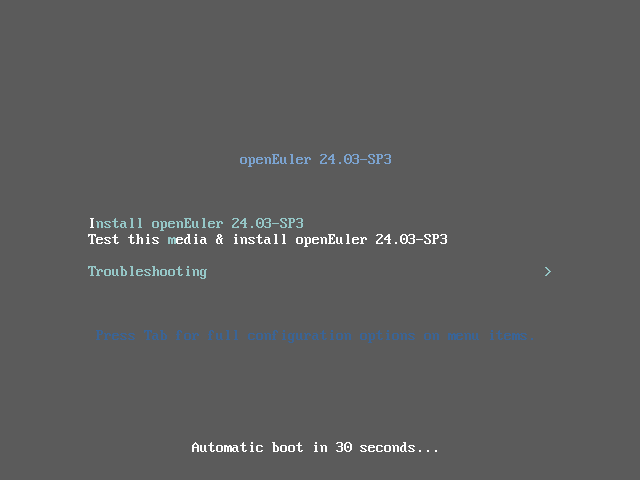
The purpose is simple: an unofficial enhanced ISO for offline desktop installation. It’s designed for users who need a desktop environment without internet access, or those who want to complete most setup tasks in one go—avoiding the hassle of installing the system and then manually adding software later.
Here’s what’s currently included:
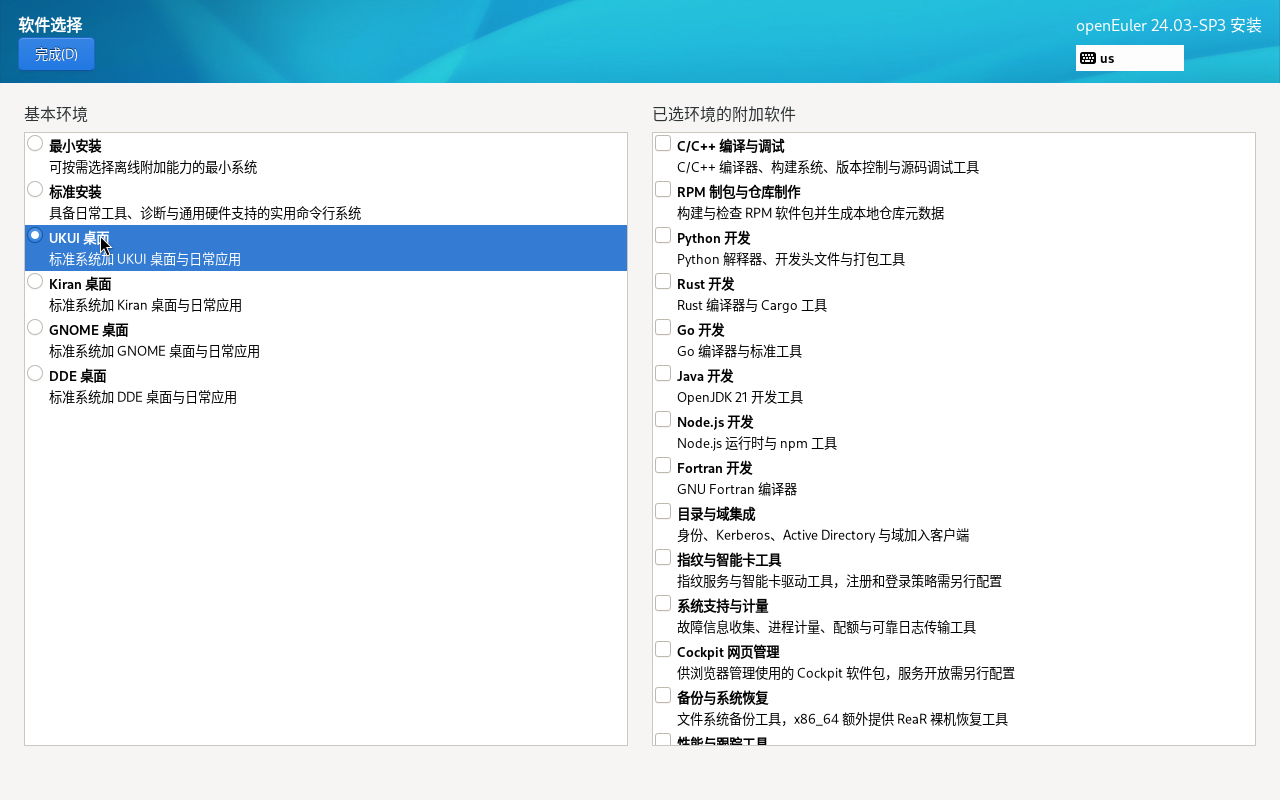
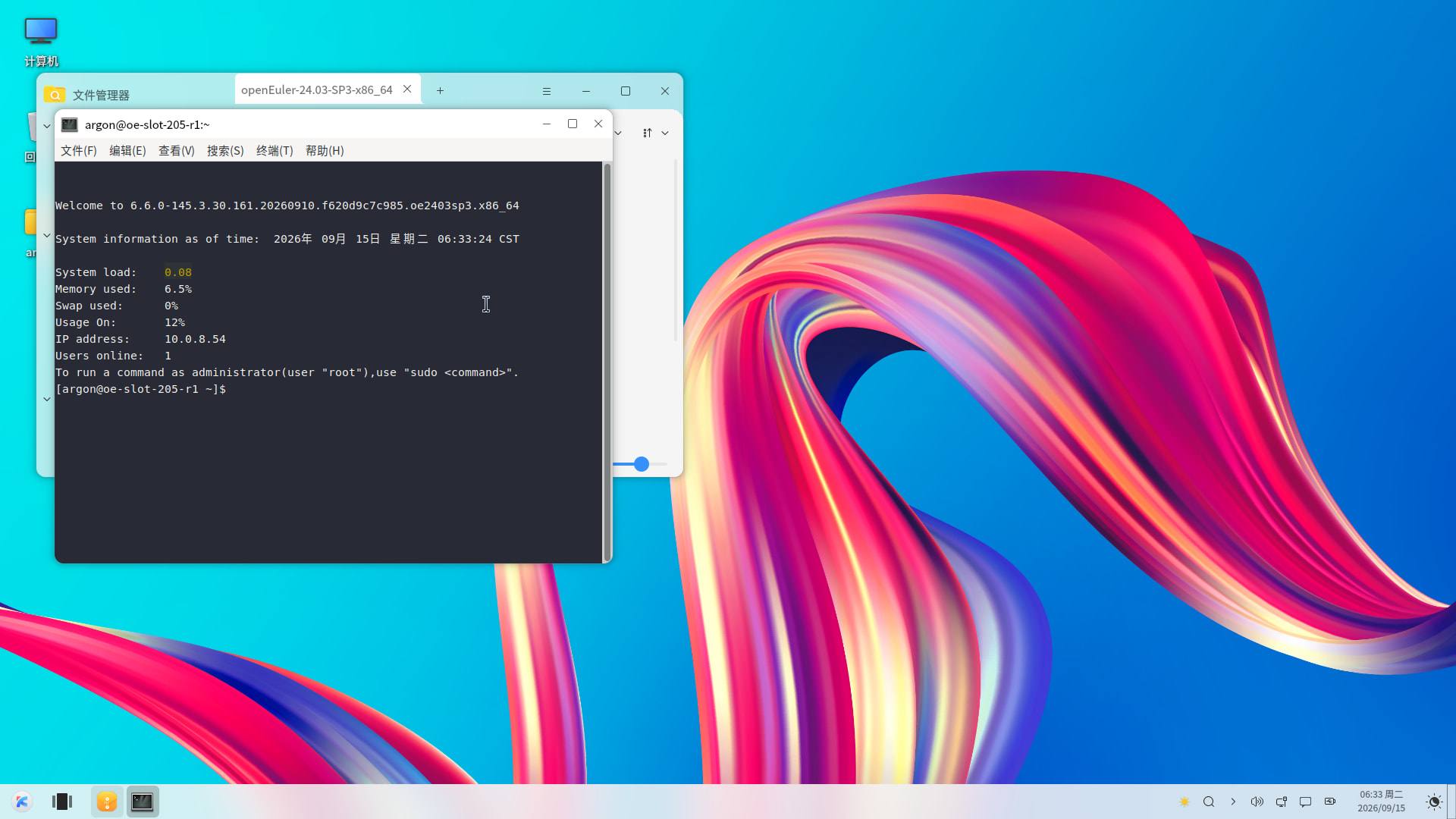
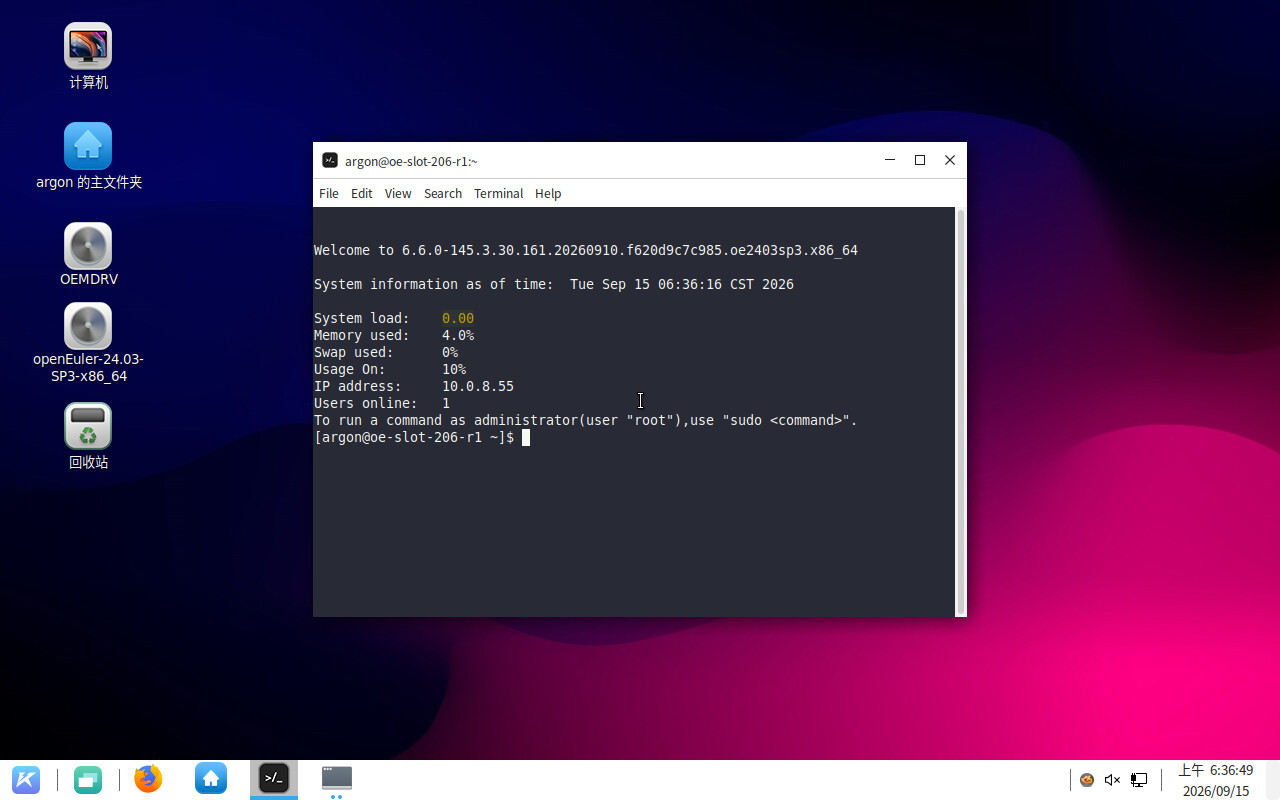
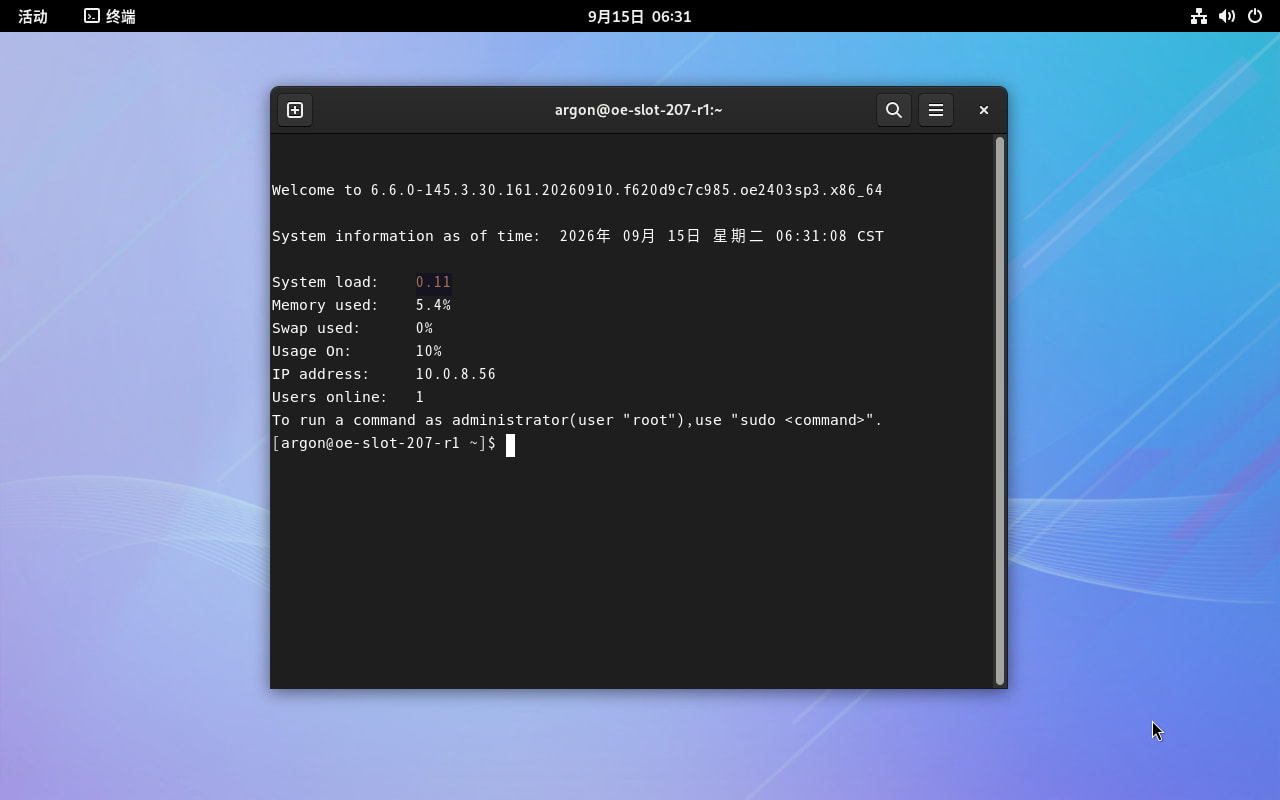
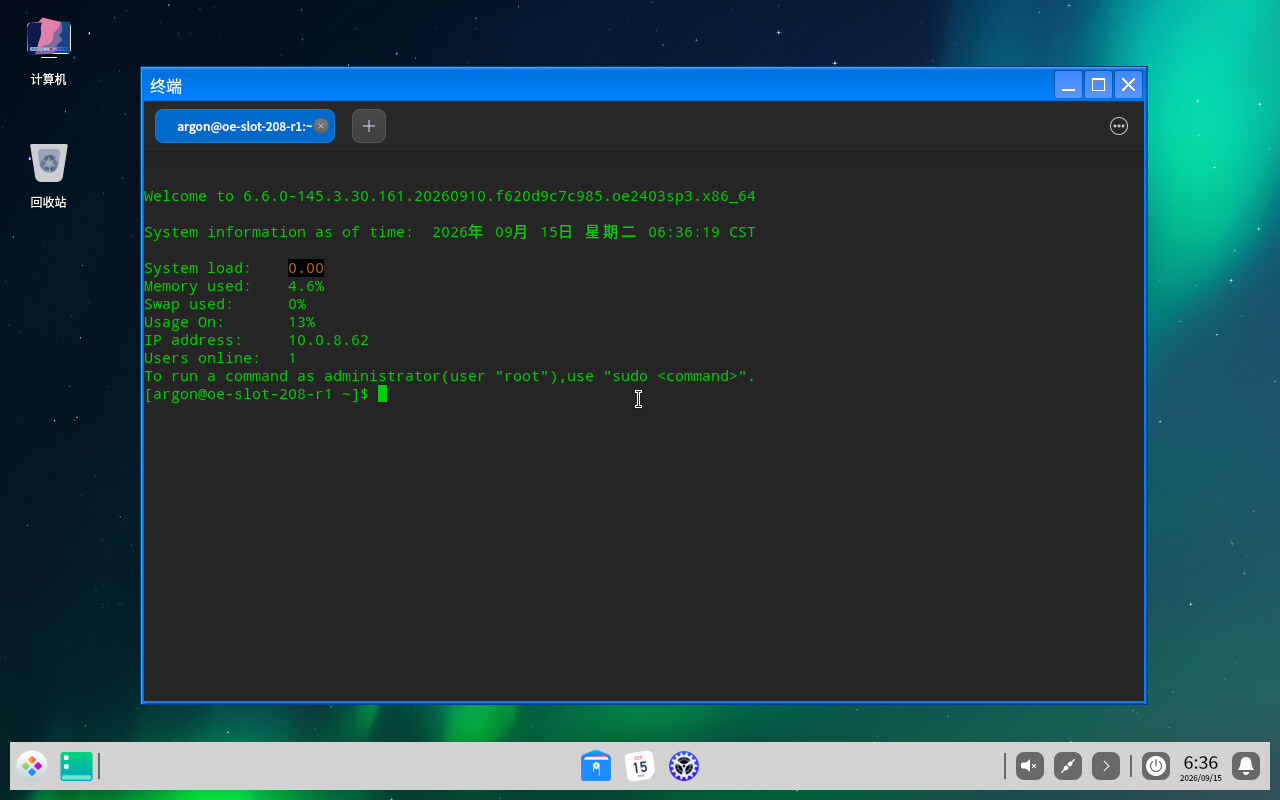
- Four desktop environments available: UKUI, Kiran, GNOME, and DDE can all be selected directly during installation. You can also skip the desktop entirely—choosing minimal or standard installation defaults to a server setup.
- All updates included on the disk: Based on openEuler-24.03-LTS-SP3-x86_64-dvd.iso, this ISO fully integrates the corresponding updates and dependencies from the official update repository. The current kernel version is
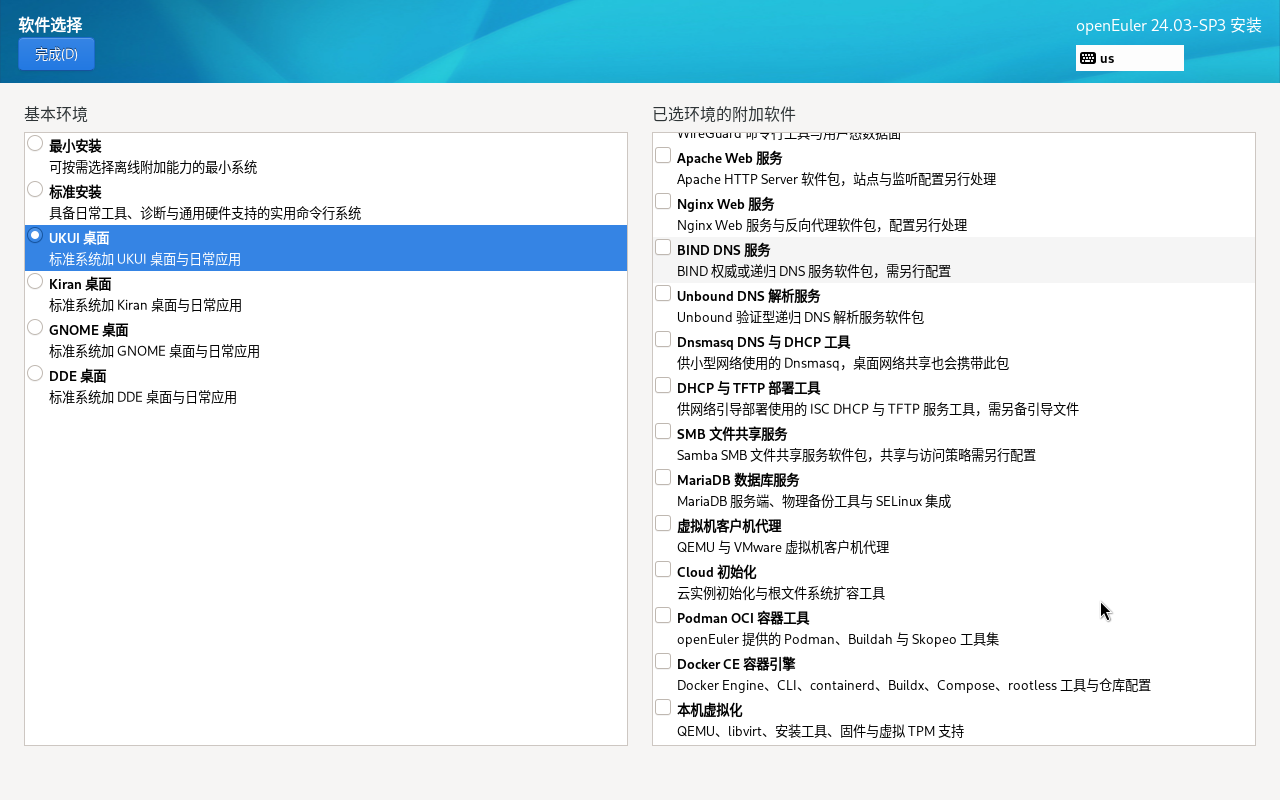
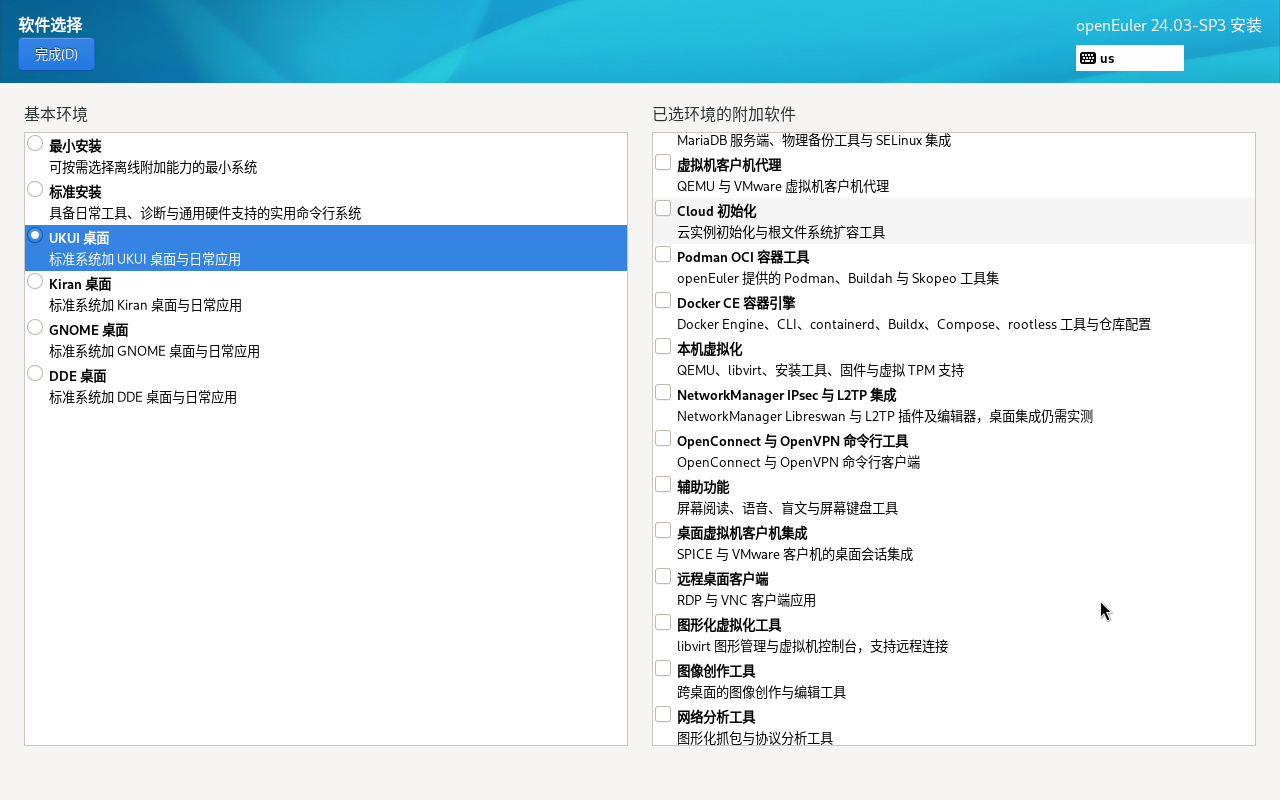
6.6.0-145.3.30.161.20260910.f620d9c7c985. - Common software packages pre-selected: Includes development tools, Docker CE, virtualization tools, and more—eliminating the need to remount the installation media, reconfigure software sources, and manually install packages after installation.
- Can serve as an offline update source: Systems already installed using the official DVD can directly mount this ISO for offline updates.
- Minor tweaks applied: For example, restored Bash’s normal behavior of clearing command history; adjusted software source configuration to default to multiple domestic mirrors from the local mirrorlist, with metalink configuration commented out.
This is not a standalone distribution—it’s still openEuler. All desktop-related packages come from openEuler’s official OS and EPOL repositories. This image mainly organizes them into a ready-to-use offline installable format, with no additional customization to the desktop environments themselves.
If you happen to need offline installation of openEuler, a desktop environment, or a test machine, feel free to try it out. Feedback on any issues encountered during installation—especially those related to different hardware or desktop combinations—is highly welcome.