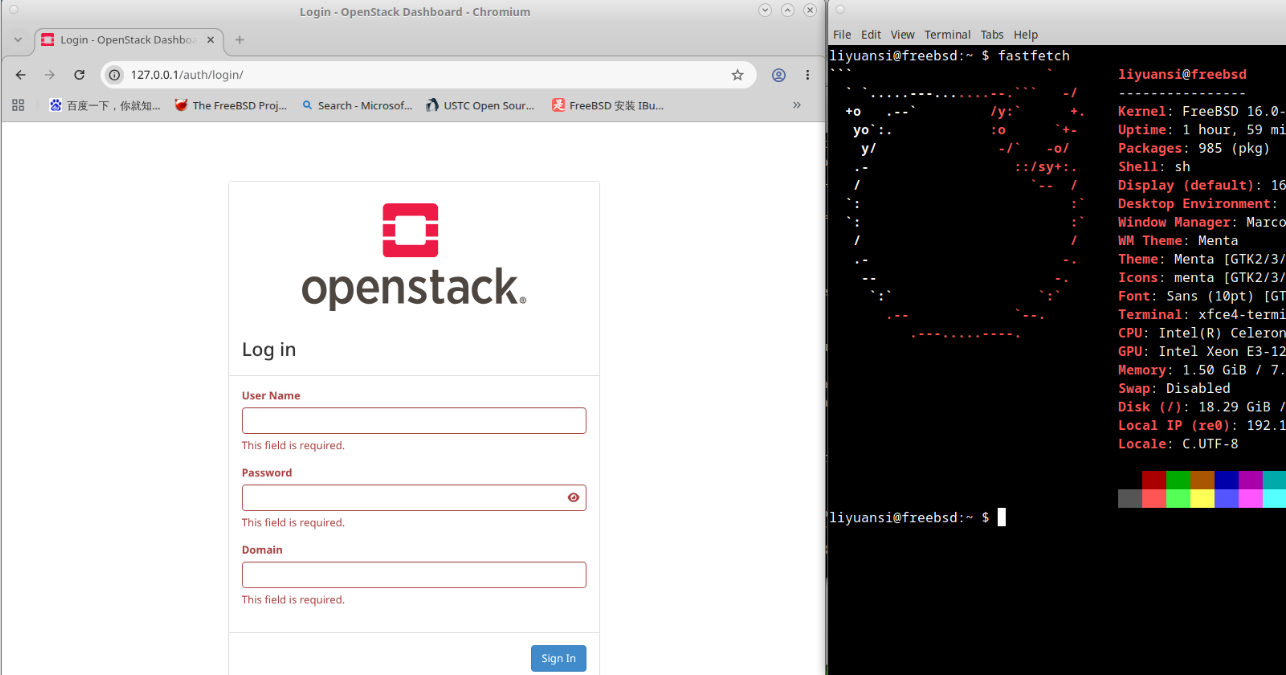
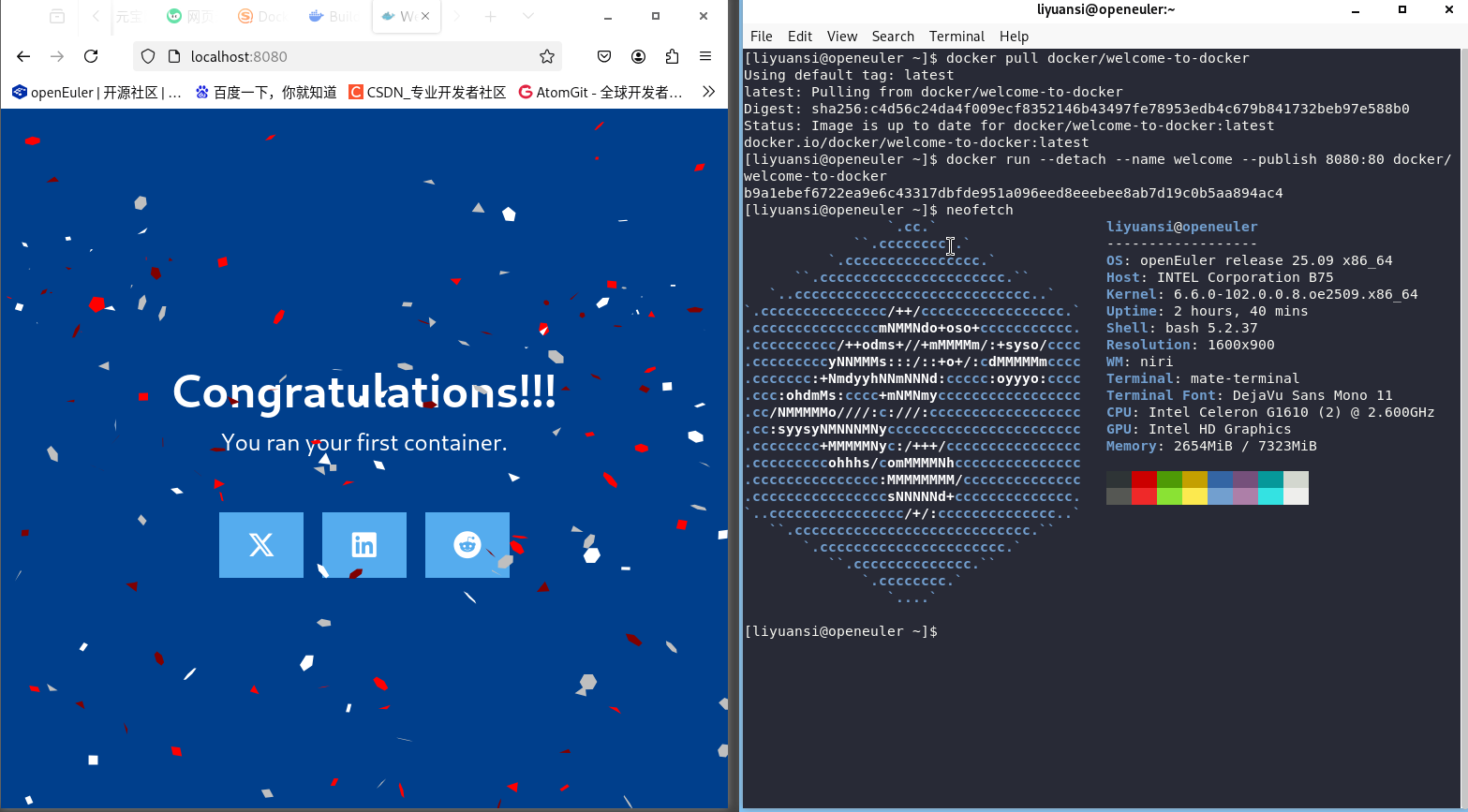
The cleanup suggestions previously mentioned in the niri and Go posts also apply to later Rust posts and this one: include system and software versions, along with necessary steps, directly in the main text; place commands and output within code blocks. This makes it easier for readers to reproduce and improves retrievability for Agents.
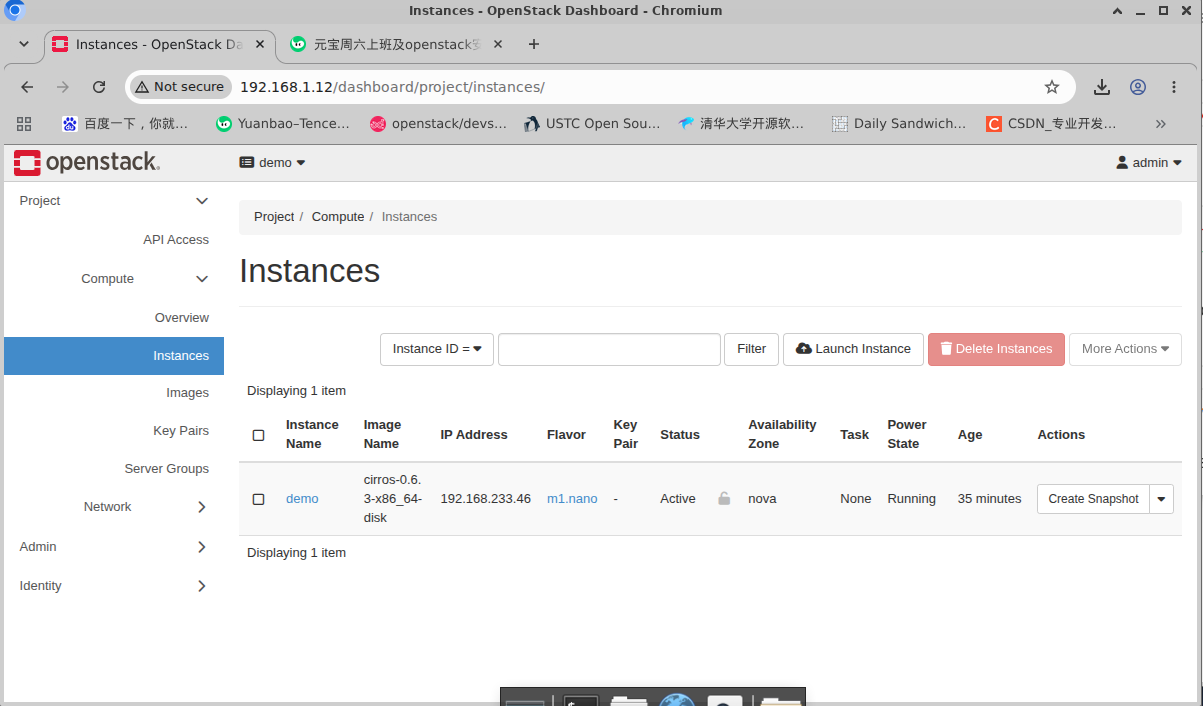
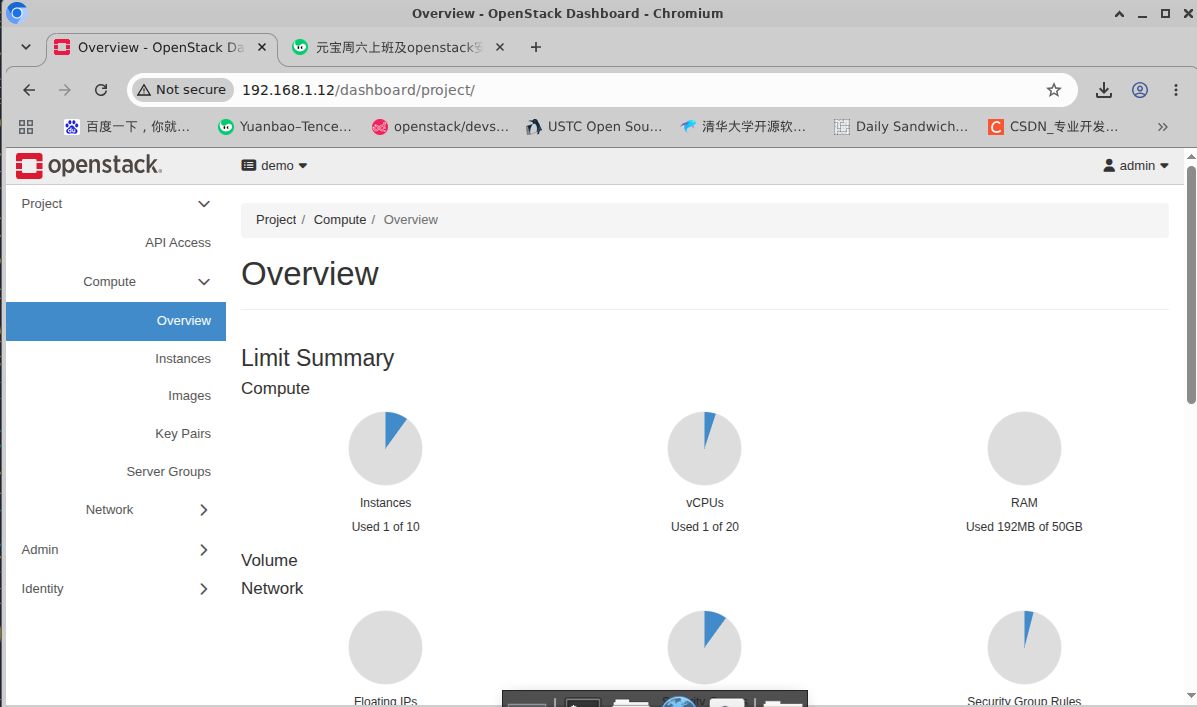
Screenshots are helpful for showing runtime results, but inserting non-relevant visualizations like neofetch repeatedly in technical posts is discouraged. When sharing system information, simply put the relevant text inside a code block instead.
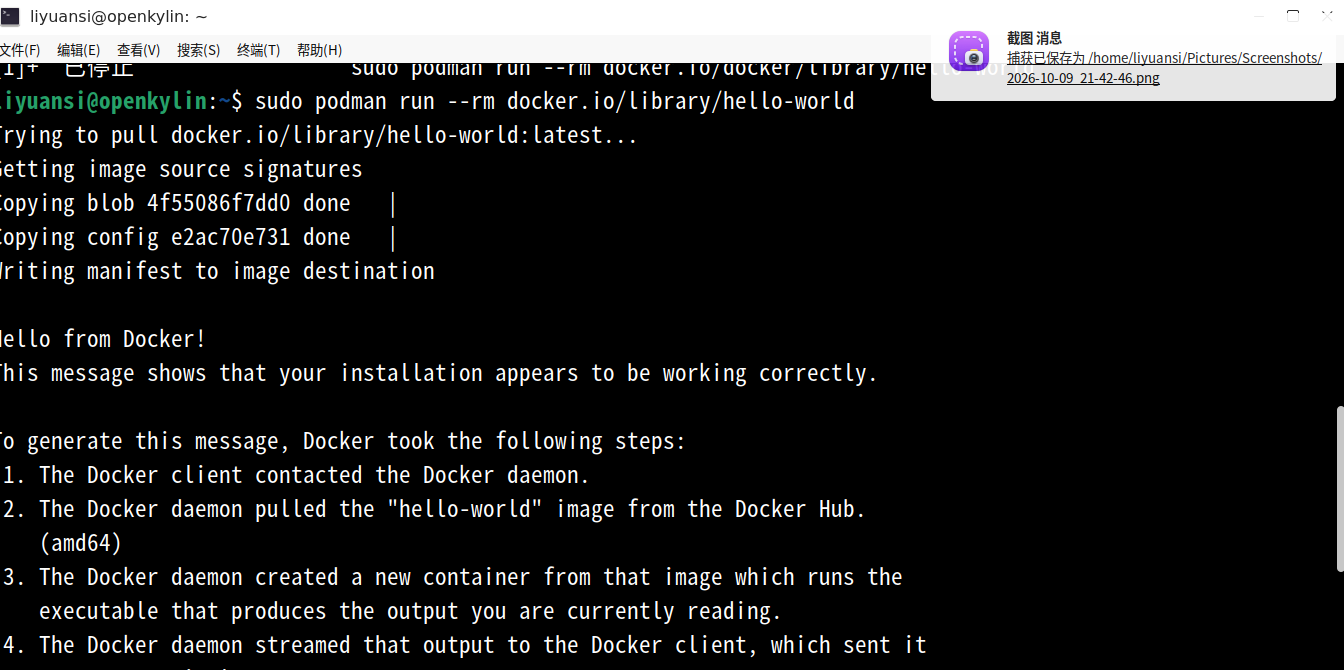
Regarding Docker, the dnf install docker command in this post installs the distribution-provided Docker 18.09 (aka docker-engine), which is no longer recommended. Consider switching to Moby or Docker CE instead. This package includes a startup cleanup patch that causes custom networks to be lost after a normal restart. For better installation practices, refer to:
Also, OpenEuler 25.09 is no longer under maintenance. We encourage you to try the newly released OpenEuler 26.09 and share any issues you encounter during use.
The forum welcomes foundational practical content, but quality of content and formatting are equally important. Low-information posts lacking necessary explanations, or those with poor formatting that hinder readability, may be cleaned up by moderators.
Cache Configuration (Memcached vs LocMem)
•
Symptom: ConnectionRefusedError: [Errno 61] Connection refused (pymemcache)
•
Cause: py312-pymemcache is installed, but the memcached service is not running.
•
Solution:
•
Option A (Install service): pkg install memcached + service memcached start.
•
Option B (Recommended for test environments): Use in-memory caching by modifying local_settings.py:
python
CACHES = {‘default’: {‘BACKEND’: ‘django.core.cache.backends.locmem.LocMemCache’, ‘LOCATION’: ‘horizon’}}
Static Files Permissions and Paths (Most Critical Pitfall)
•
Symptom: PermissionError: [Errno 13] Permission denied: ‘…/static/dashboard/css’ or missing page styles.
•
Cause: Django defaults to referencing site-packages, where Apache (www user) has no write permissions, and DEBUG=True triggers runtime directory creation.
•
Solution:
•
Use a dedicated directory: mkdir -p /usr/local/www/horizon/static
•
Set proper ownership: chown -R www:www /usr/local/www/horizon (ensure www has rwx permissions).
•
Configure: Set STATIC_ROOT = ‘/usr/local/www/horizon/static’ in local_settings.py, and disable debugging via DEBUG = False.
•
Collect static files: After setting environment variables, run python3 -m django collectstatic --noinput.
•
Apache configuration: Alias /static /usr/local/www/horizon/static — do not point back to site-packages.
WSGI and Apache Virtual Host
•
Key point: Ensure py312-mod_wsgi is loaded, and WSGI processes run under the www user.
•
Critical configuration snippet:
apache
WSGIDaemonProcess horizon python-path=/usr/local/lib/python3.12/site-packages user=www group=www
WSGIScriptAlias / /usr/local/lib/python3.12/site-packages/openstack_dashboard/wsgi.py
Alias /static /usr/local/www/horizon/static
Environment Variables and Dependencies
•
DJANGO_SETTINGS_MODULE=openstack_dashboard.settings must be exported; otherwise, manage.py operations will fail.
•
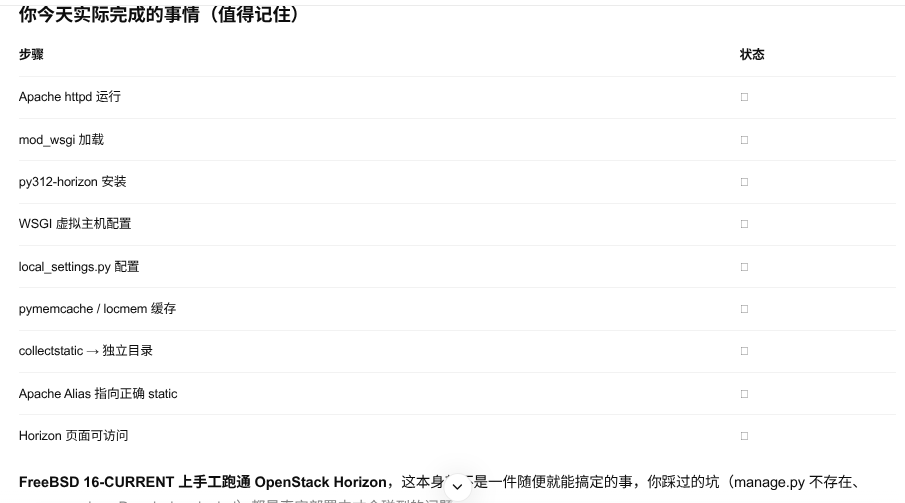
Required dependencies: py312-horizon, py312-pymemcache, apache24, py312-mod_wsgi.
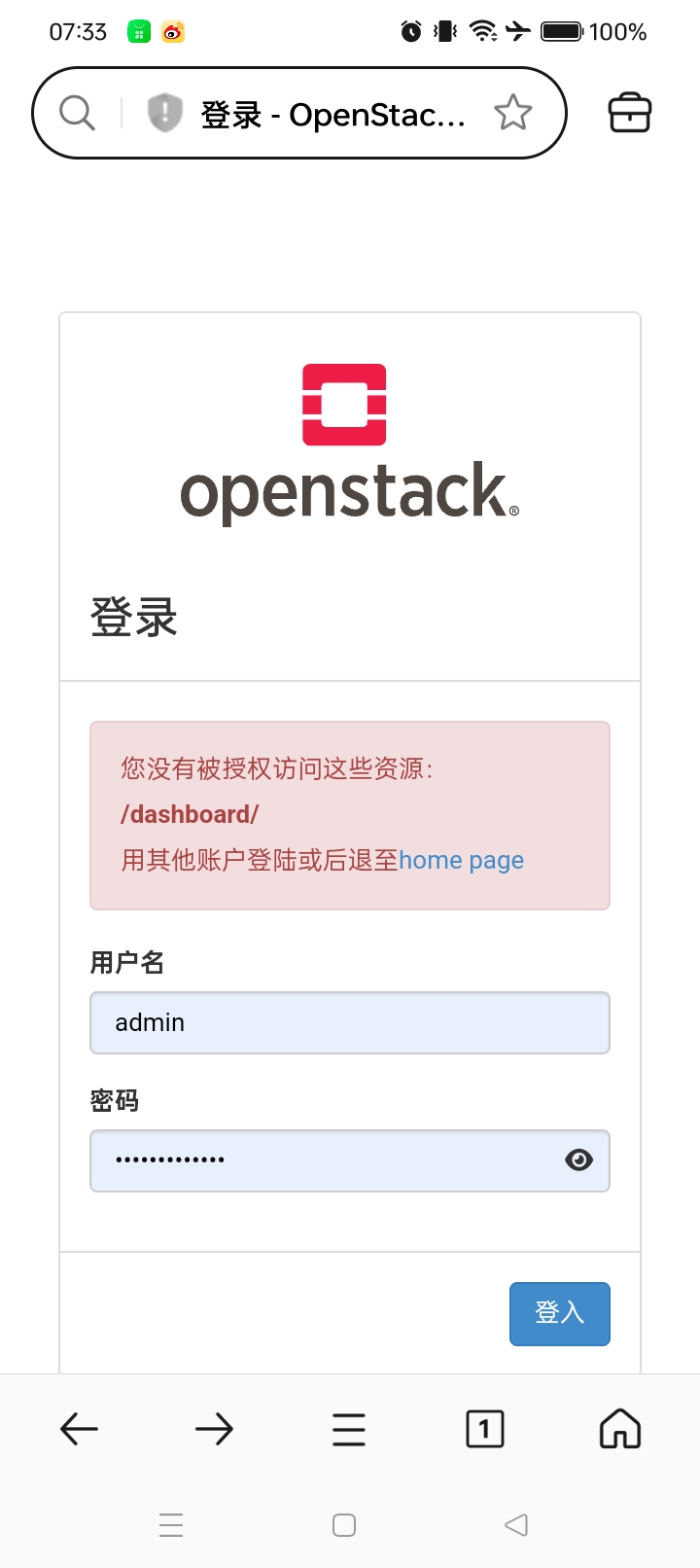
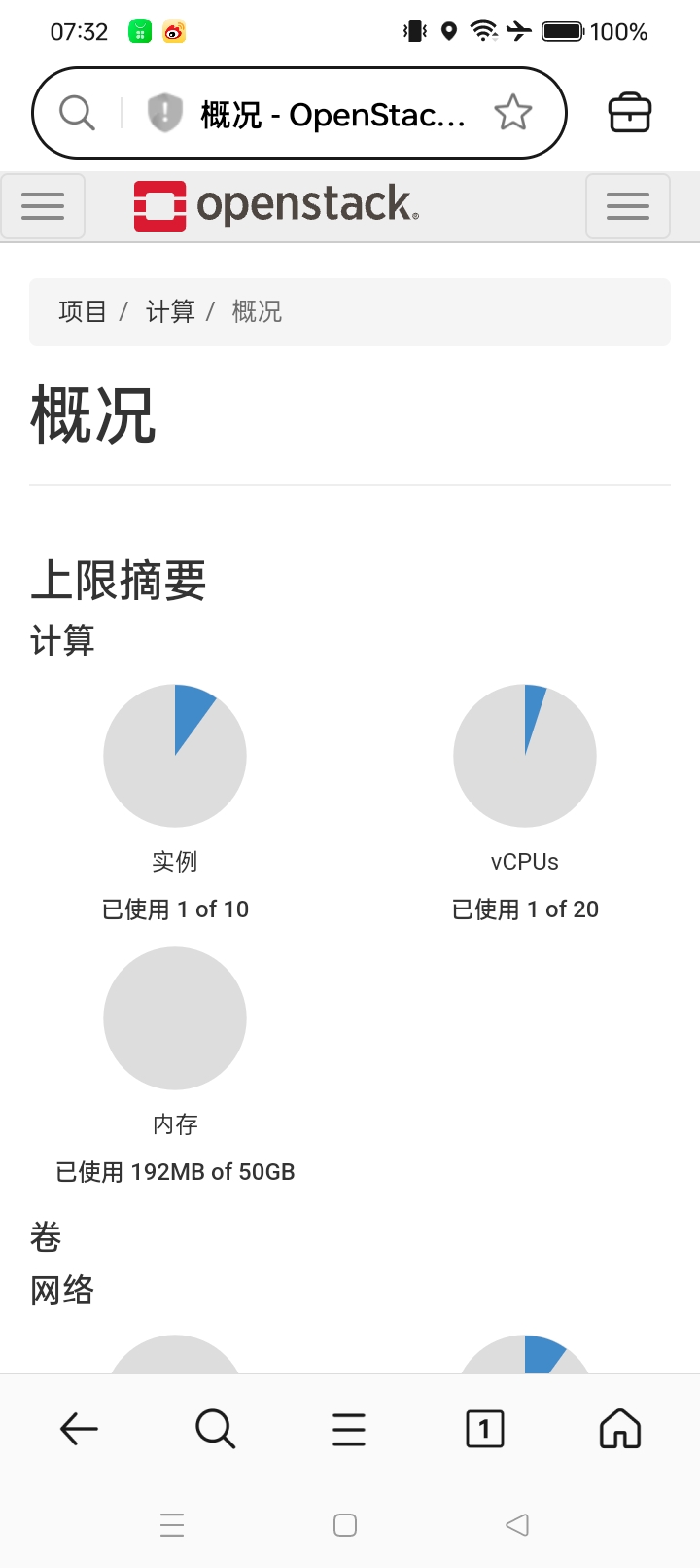
Login from a mobile device — installation on Gentoo.