openEuler 24.03 Gnome 44.6 remote desktop RDP connection results in black screen

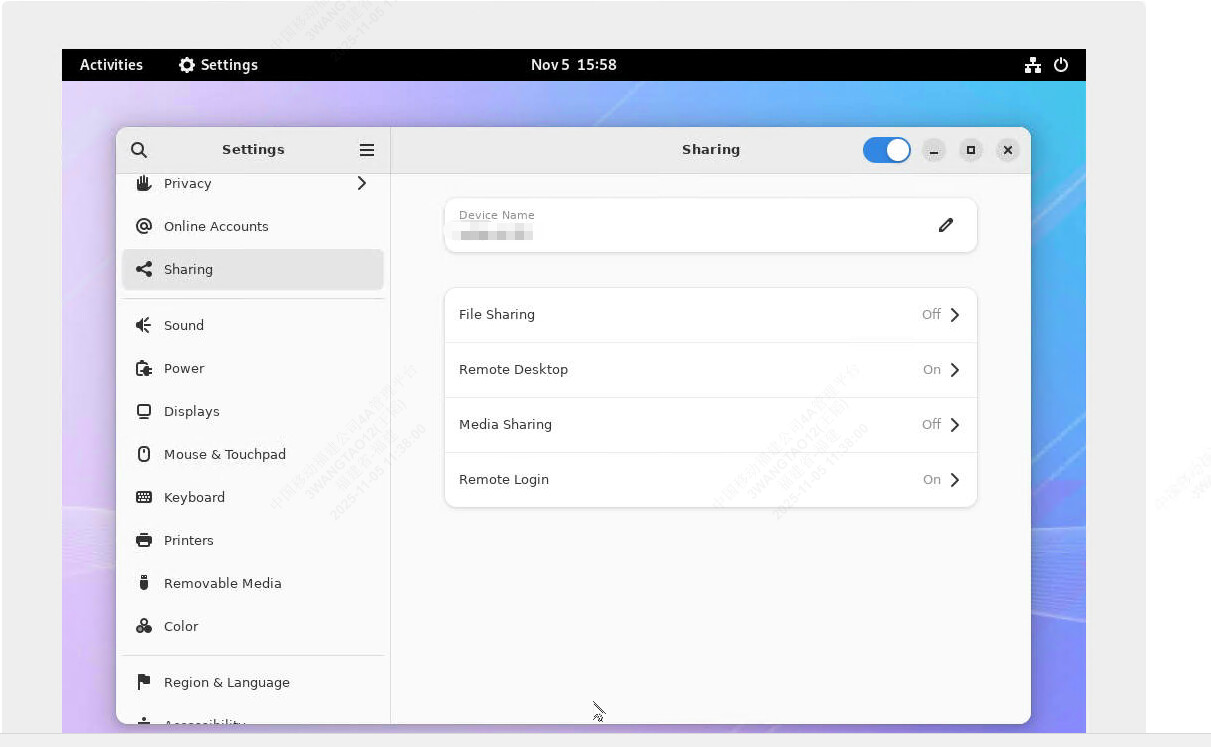
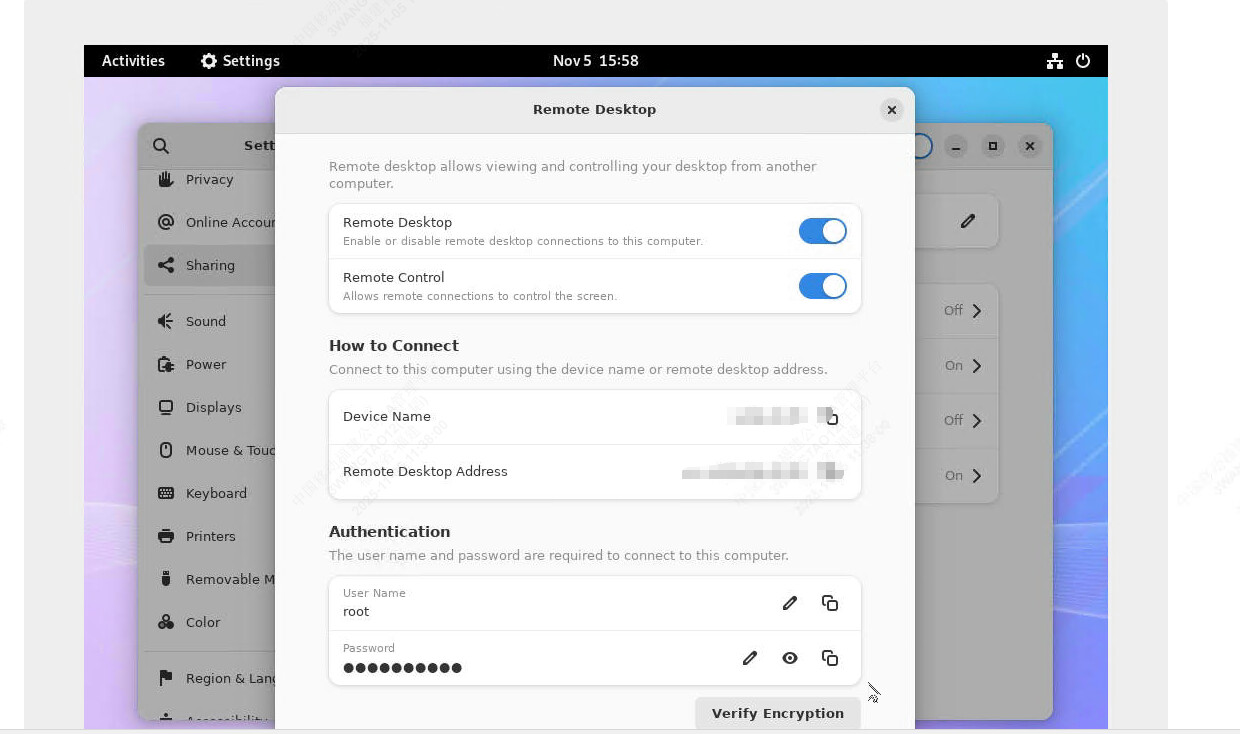
Using GNOME’s built-in remote desktop, I initially set it to not listen on port 3389. After rebooting, the port is now listening successfully, and I can execute commands despite the black screen. I’m using SecureCRT 9.6.7 with the RDP protocol. I’ve seen others report similar black screen issues when using xrdp. The issue might be common. I need the desktop environment because I’m using this machine to launch a browser and log in to an internal network server (BMC) to install the system.

image

image

Use xrdp, and modify the startup command in the /etc/xrdp/startdm.sh configuration file to the following:

exec dbus-launch --exit-with-session gnome-session